
01
Map your schema
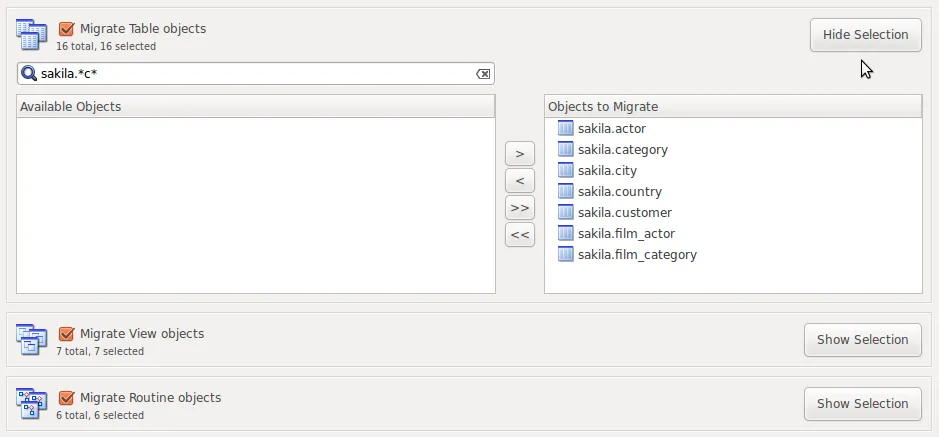
The migration wizard handles schema mapping from a source database to the target database.
04 / Data Migration
Move schemas and data between database systems with a migration wizard that makes each stage visible.
01
The migration wizard handles schema mapping from a source database to the target database.
02
Data type conversion is part of the migration workflow, alongside mapping database objects.
03
Transfer data with detailed reporting at each step. Review the migration results before putting a migrated database into use.
The README lists the following migration sources. Review the chosen build and source-specific requirements before starting.
Microsoft SQL Server is a documented source for the migration wizard. Schema mapping and data type conversion are part of the workflow.
PostgreSQL is also a documented source. Review the wizard’s conversion and transfer reports when assessing the migrated schema and data.
Your next database project starts here
Explore SQL Studio. Follow its progress. Help shape what comes next.
